Page Surfer

Features

Reading Tracker

Set your progress reading. Add quotes or notes.
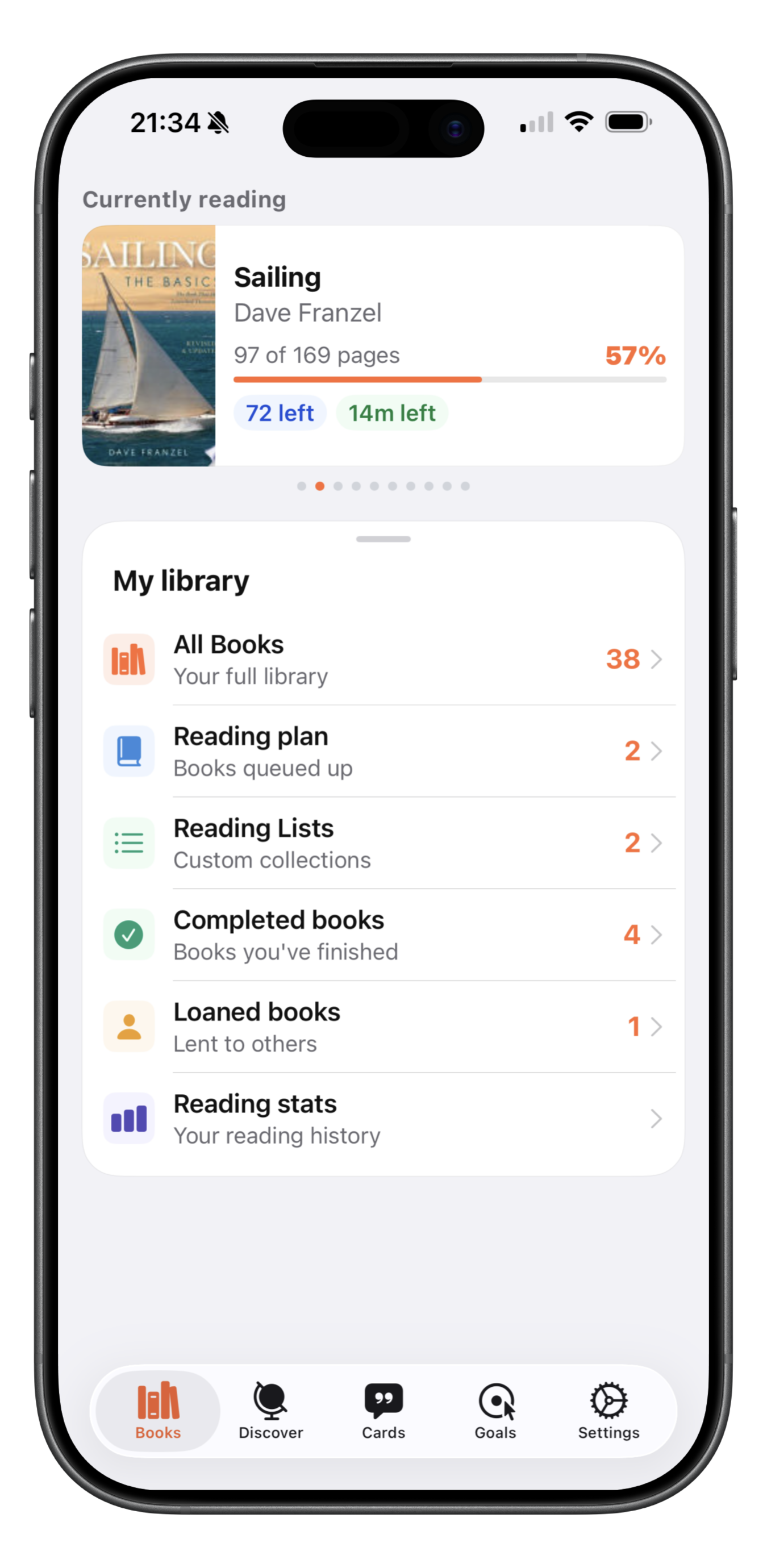
Reading Tracker – Currently Reading screen

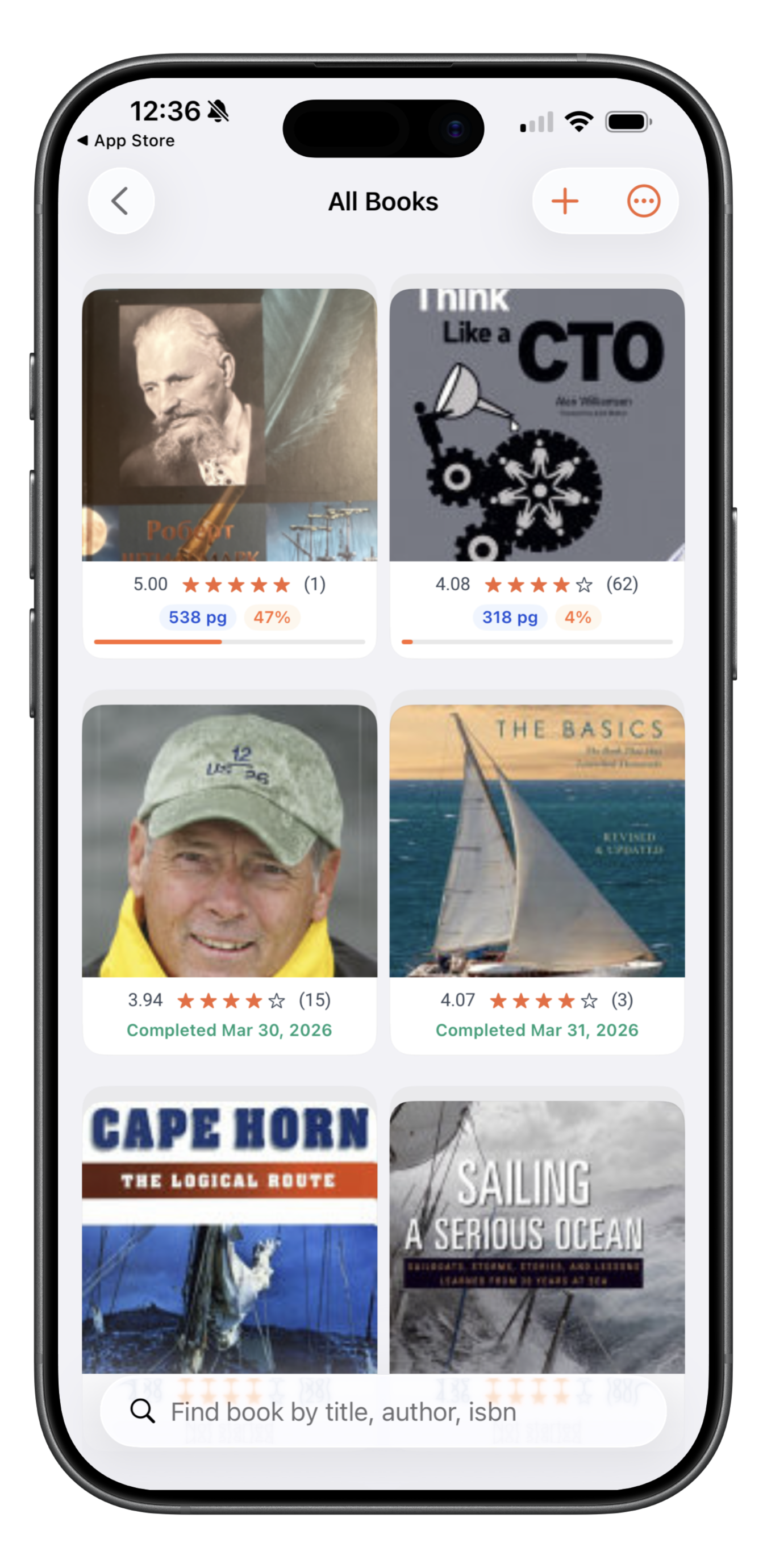
Manage your books

Manage status of your books, add it to shelf for easy finding, set completion date and more…
Manage your books – All Books screen

Reading progress

View your reading progress with statistics
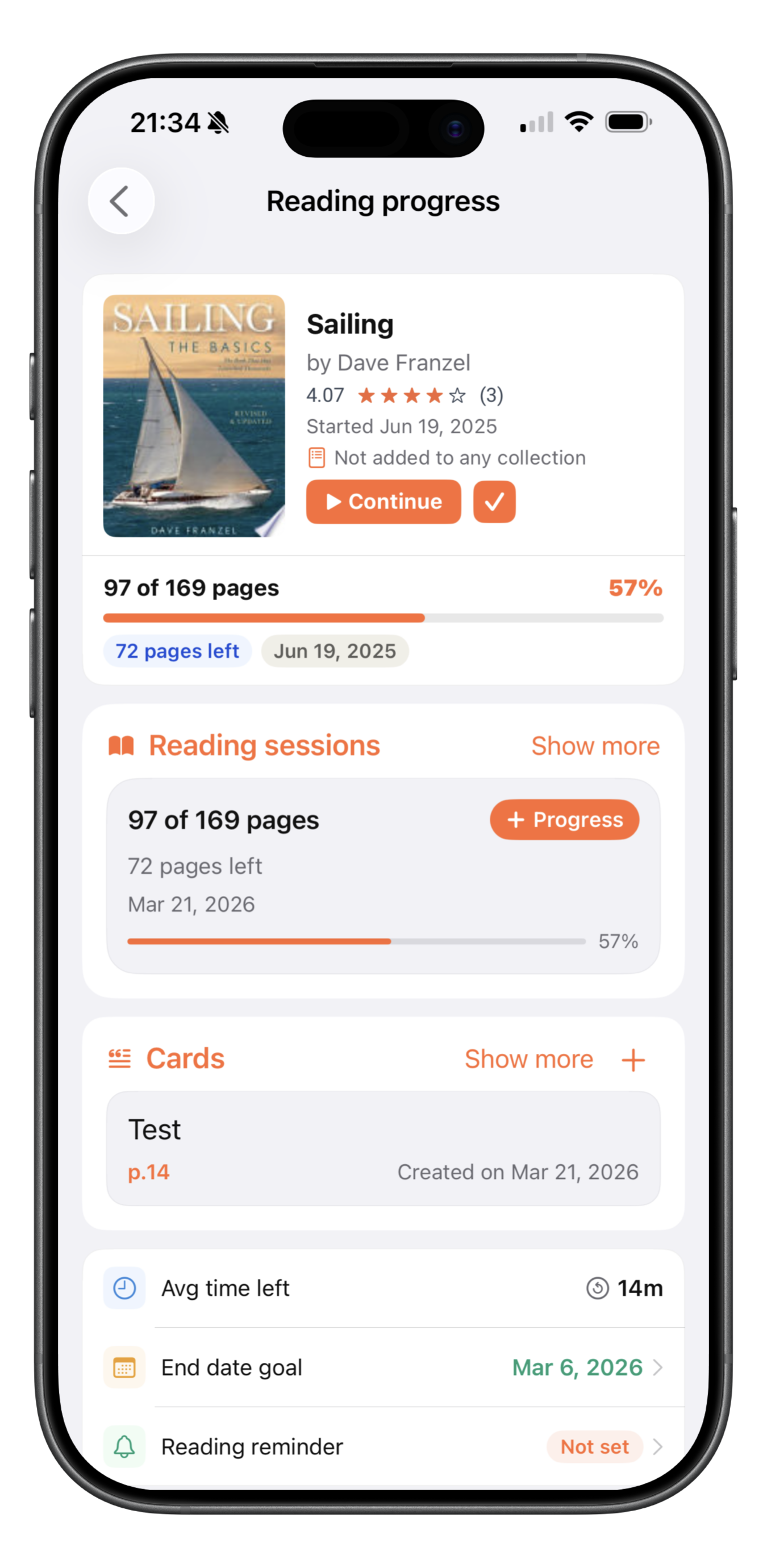
Reading progress screen

Dictate your notes

You can dictate your notes or quotes

Dictate notes screen

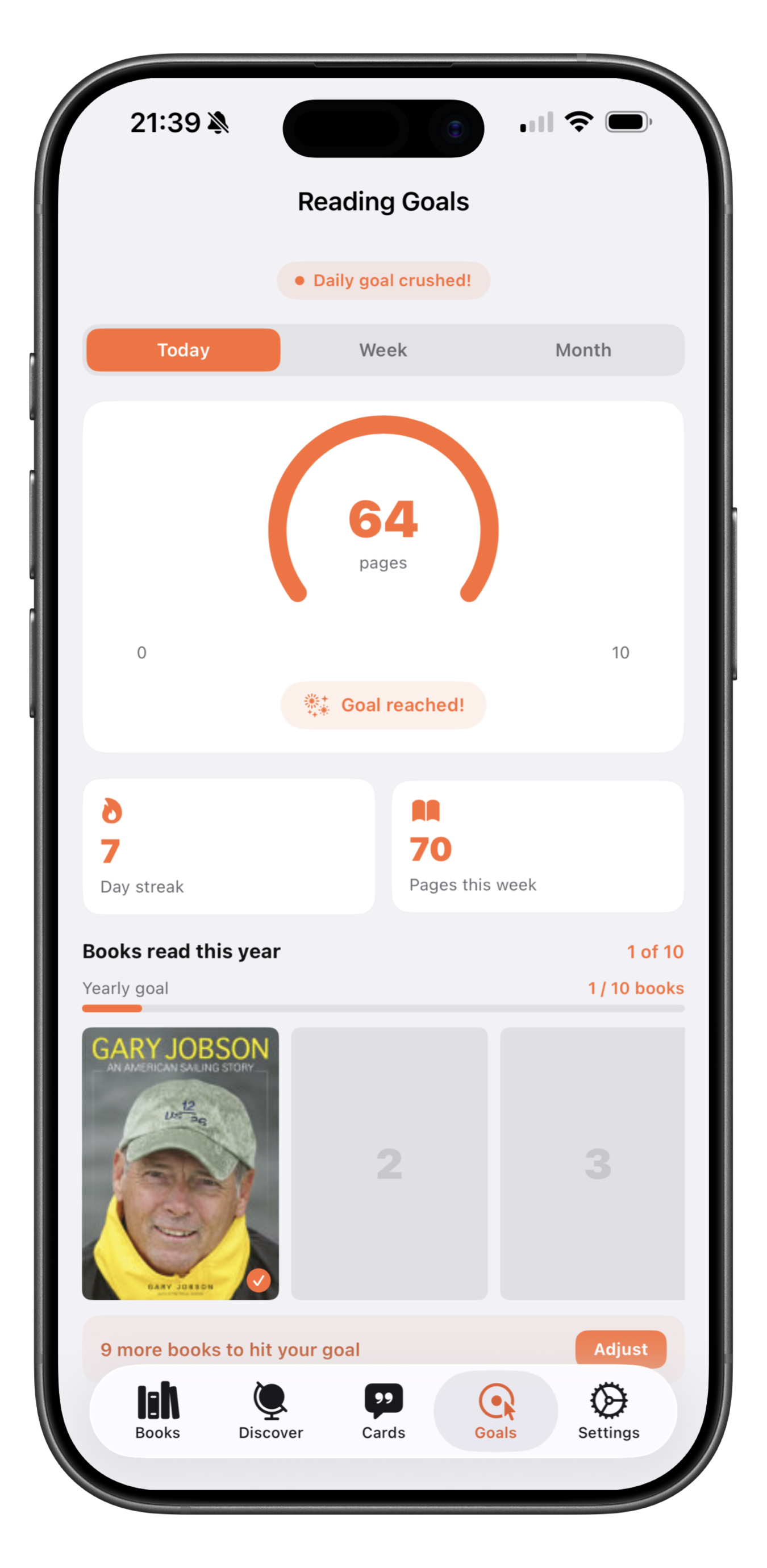
Reading Goals

See your reading achievement by day, week, month or year.

Reading Goals screen

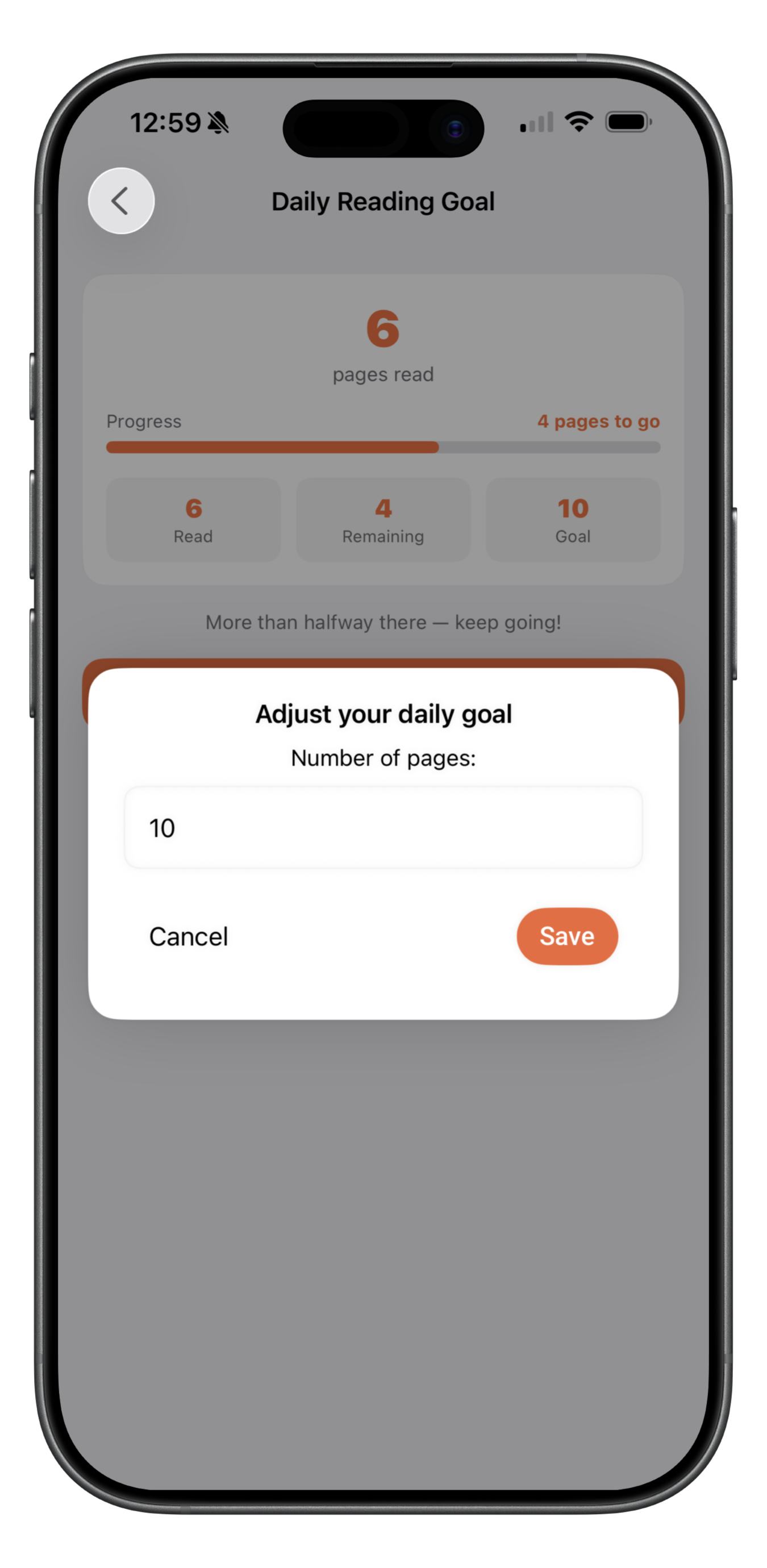
Adjust reading goals

Adjust your reading goals for a day, week, month or the year

Adjust reading goals screen

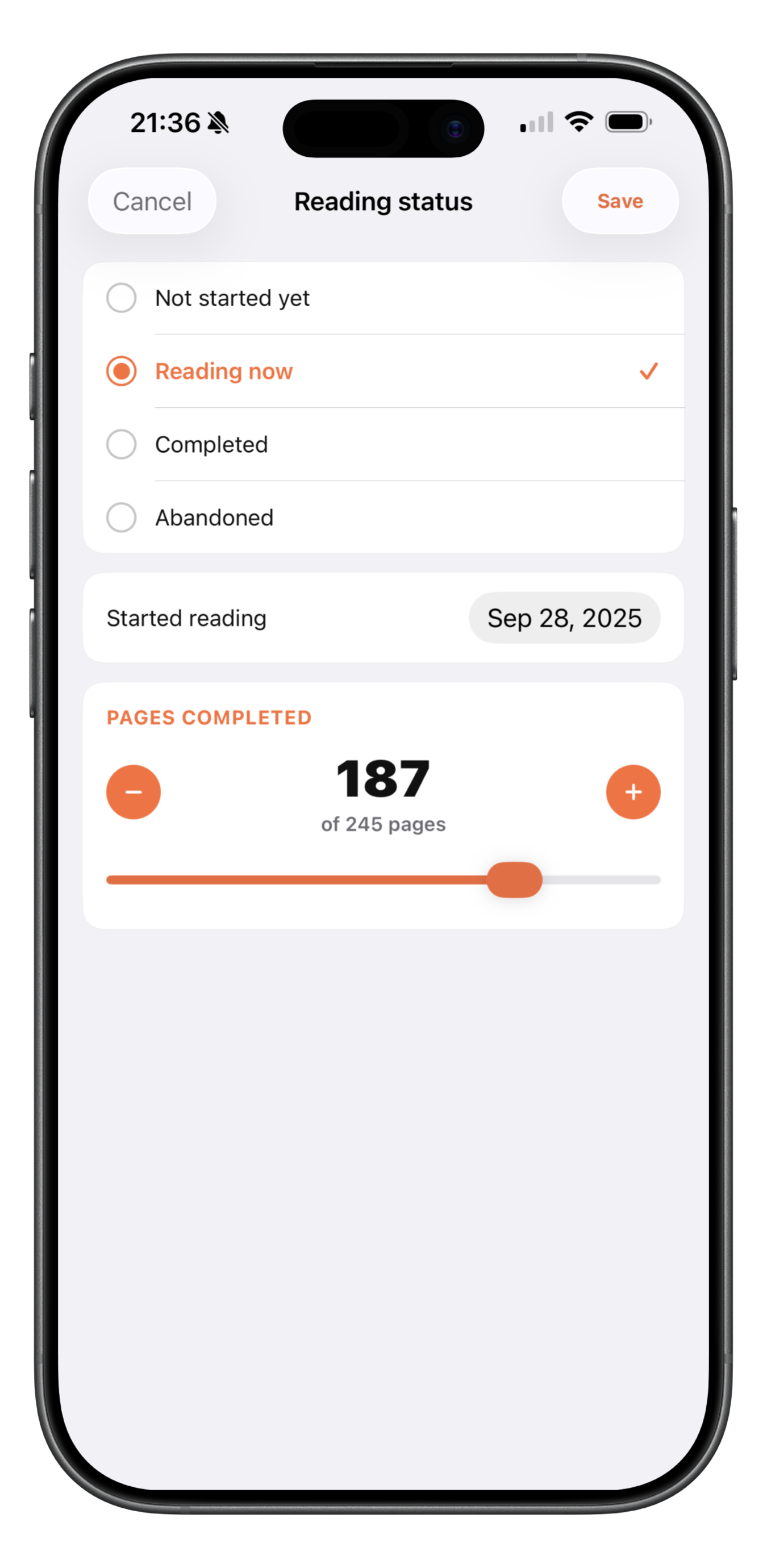
Book status

Every book you add to your library can be marked as read, reading, unread and not finished.

Book status screen

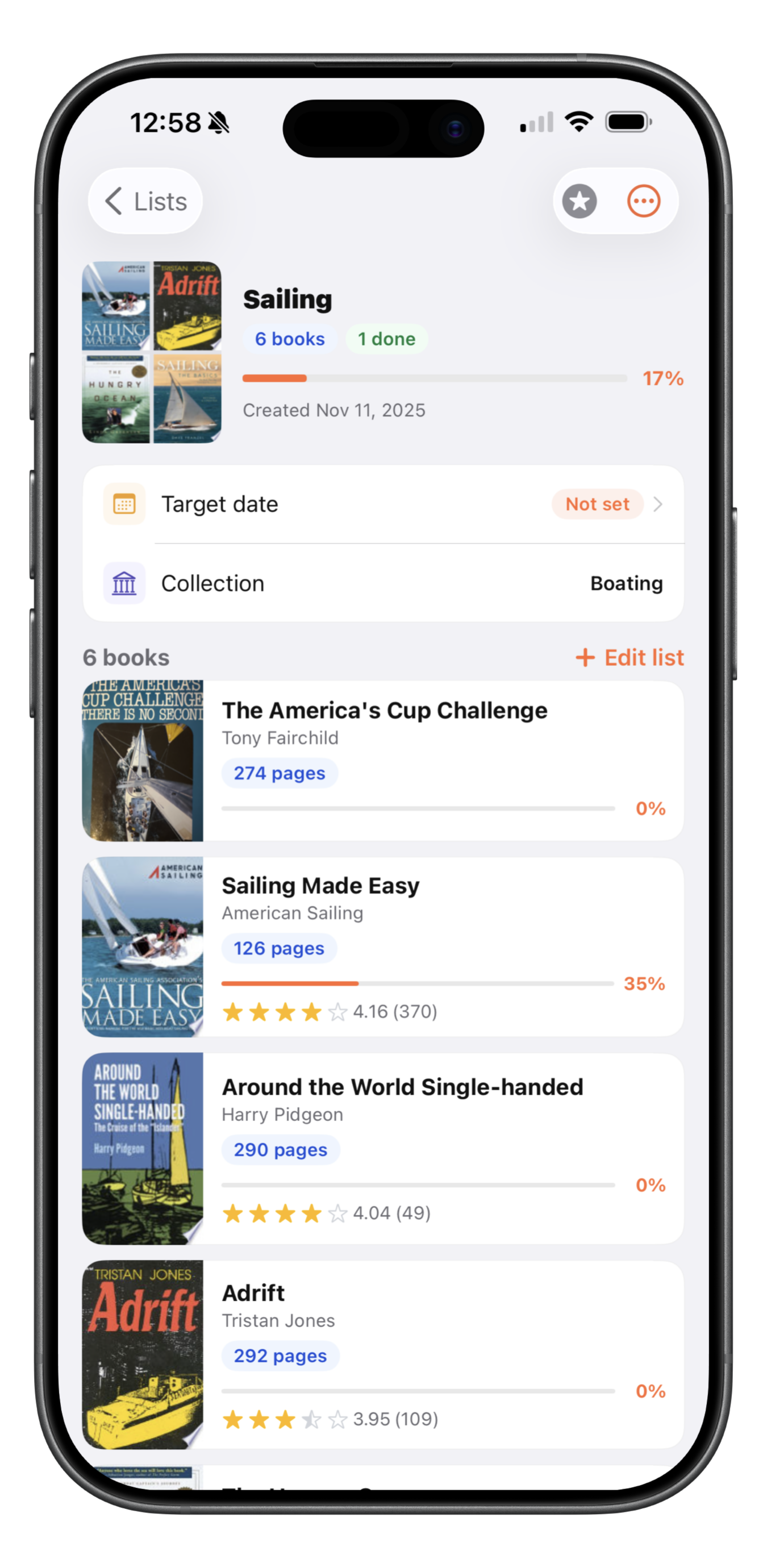
Manage reading lists

Create reading lists. Group your books by reading lists.

Manage reading lists screen

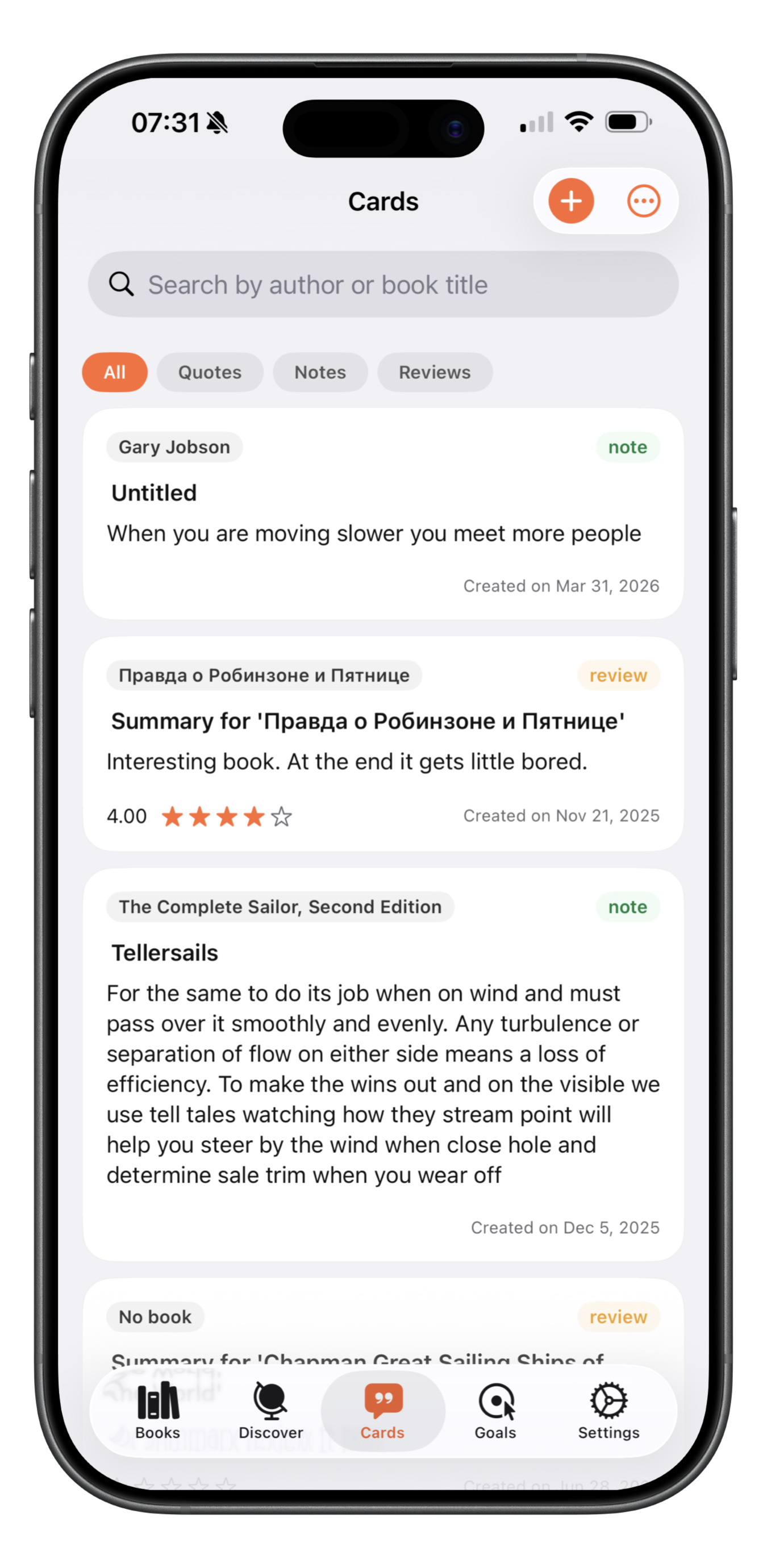
Cards

Take the quotes or notes for the book.

Cards – notes and quotes screen

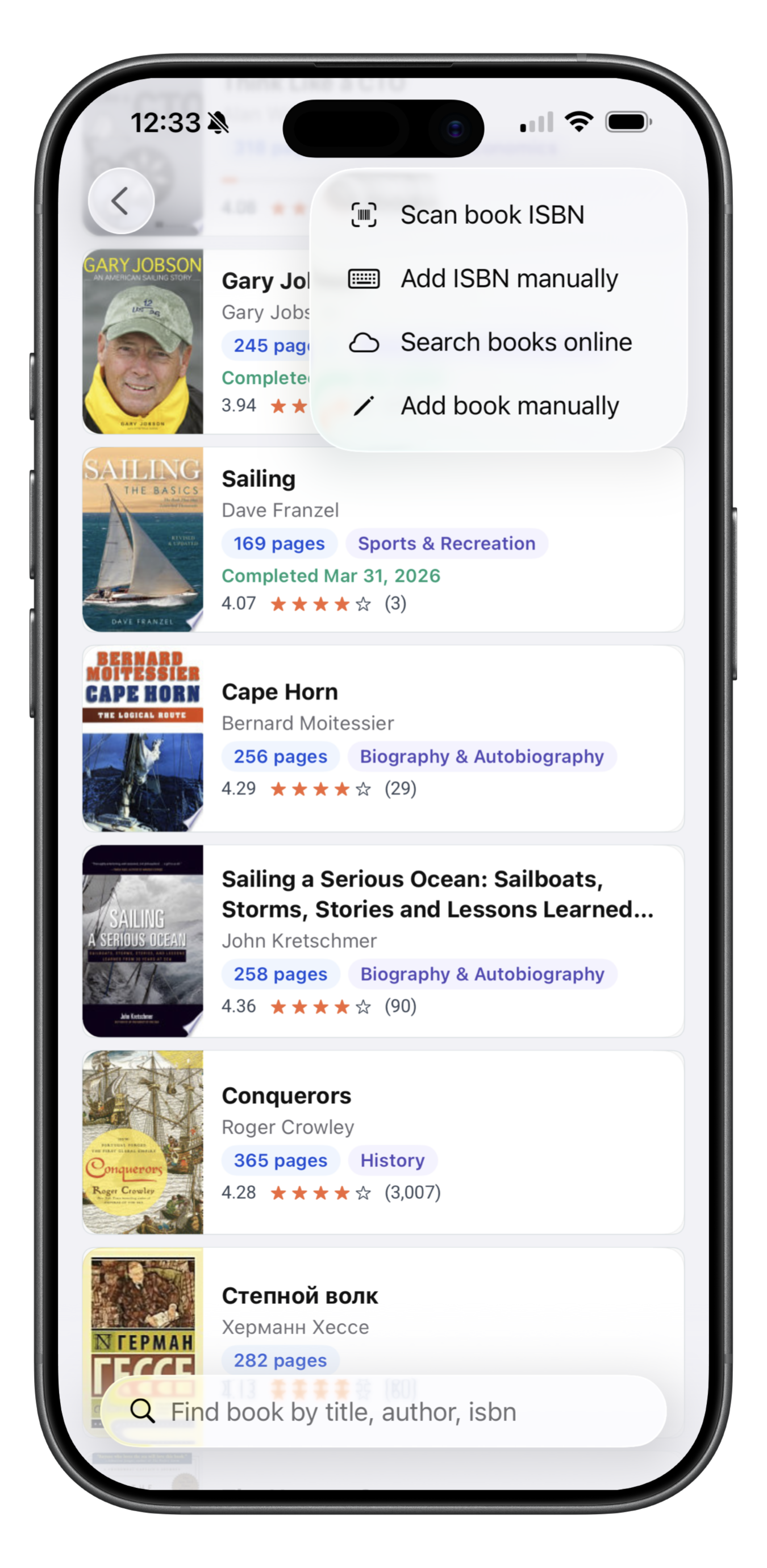
Add book to library

Add book by scanning ISBN, searching it online or add manually.

Add book to library screen

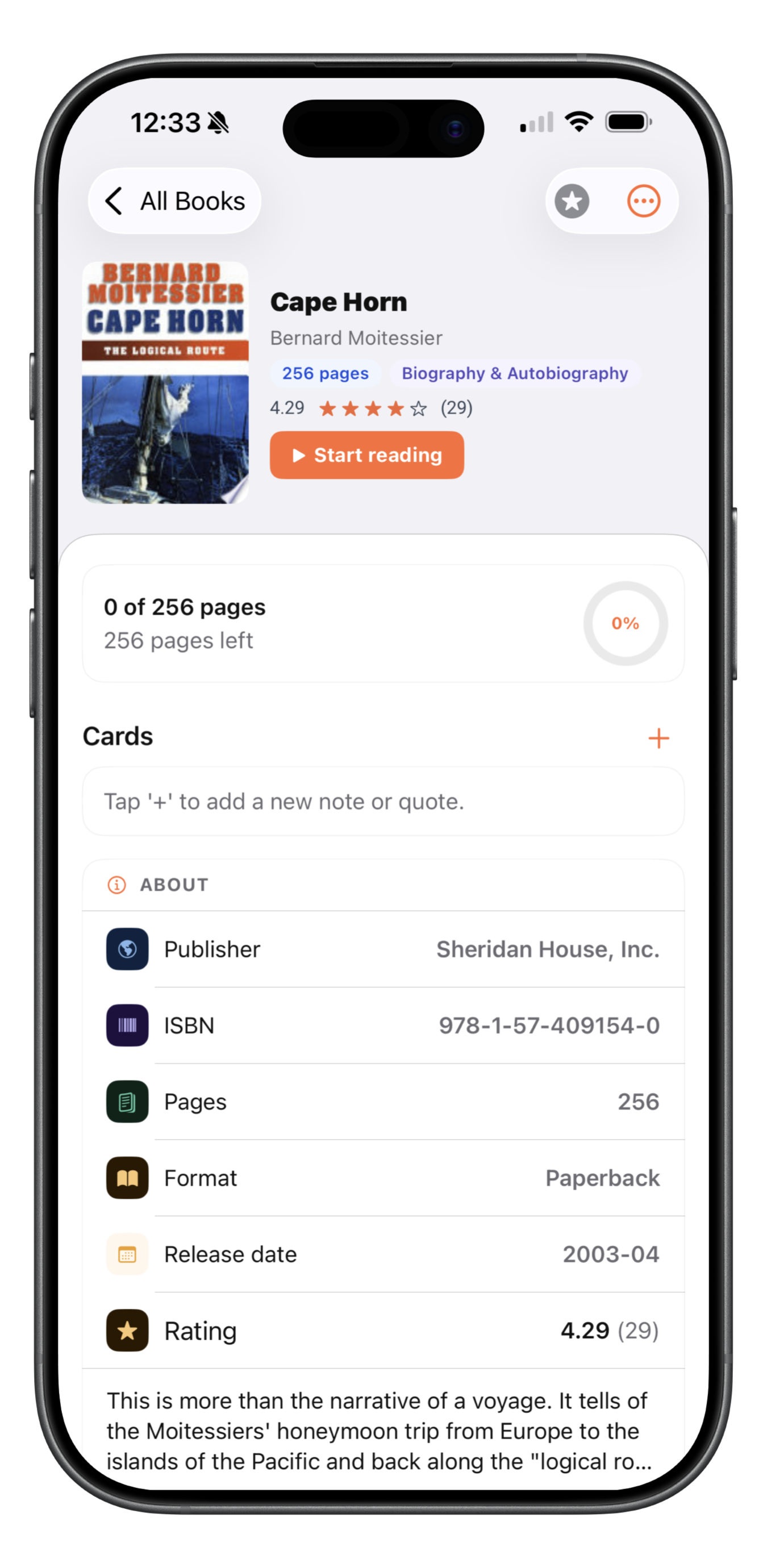
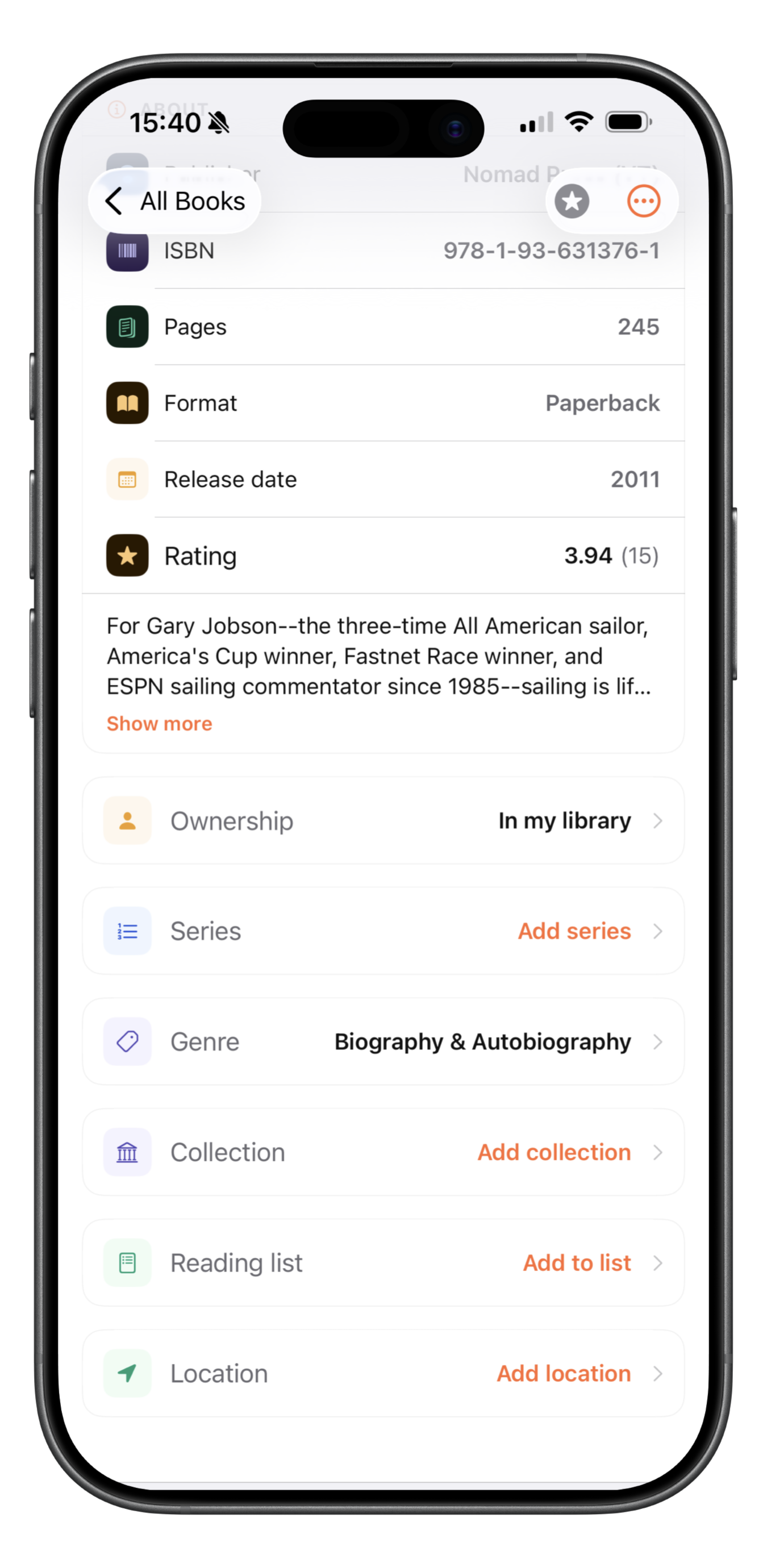
Edit book

Edit book with lots of additional features.

Edit book screen

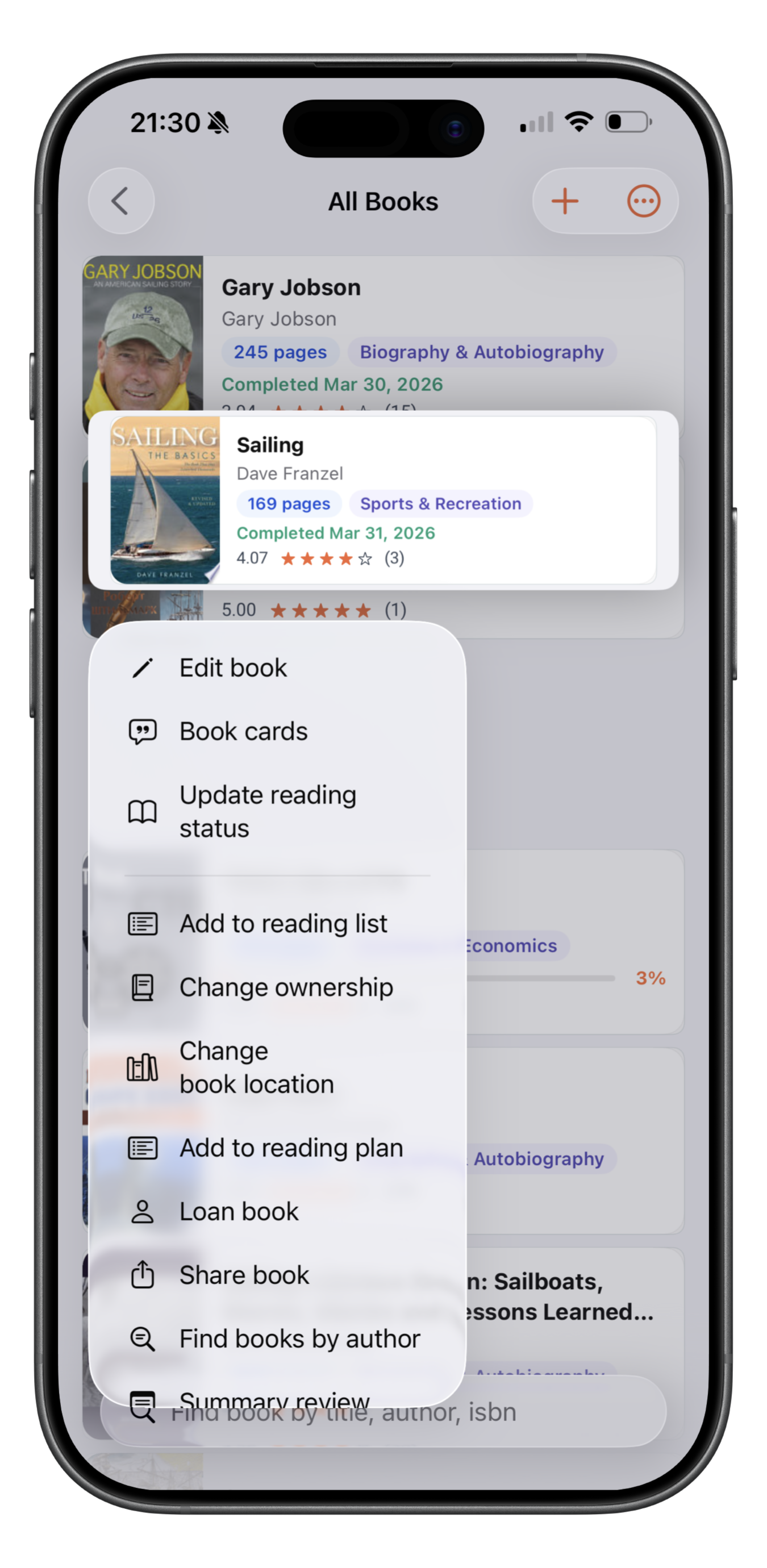
Book menu

By using menu you can change reading status, share the book and much more…

Book menu screen

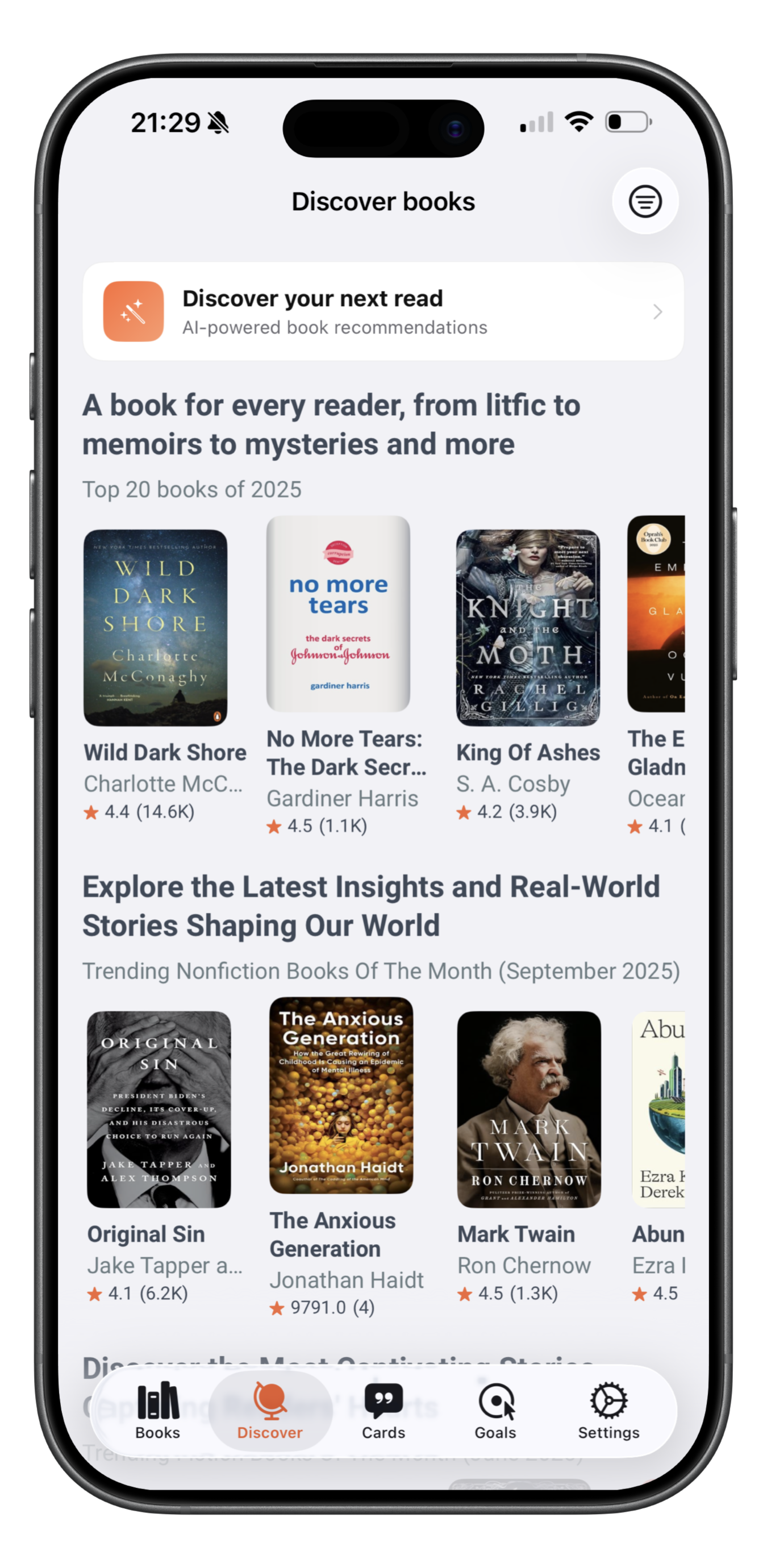
Discover Books

Get carefully curated books

Discover Books screen

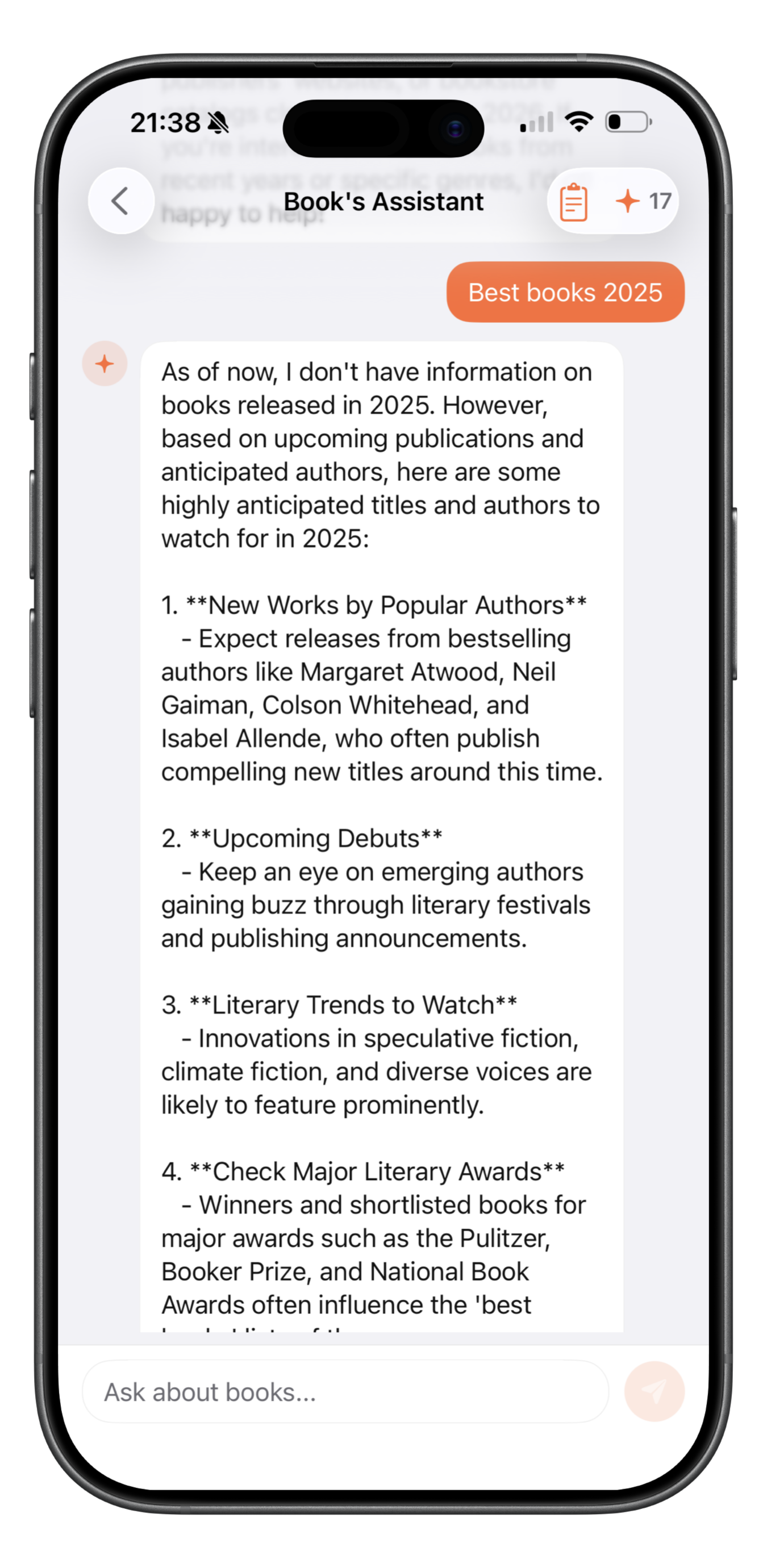
AI Assistant

Here to help you with your questions and enhance your experience.

AI Assistant screen

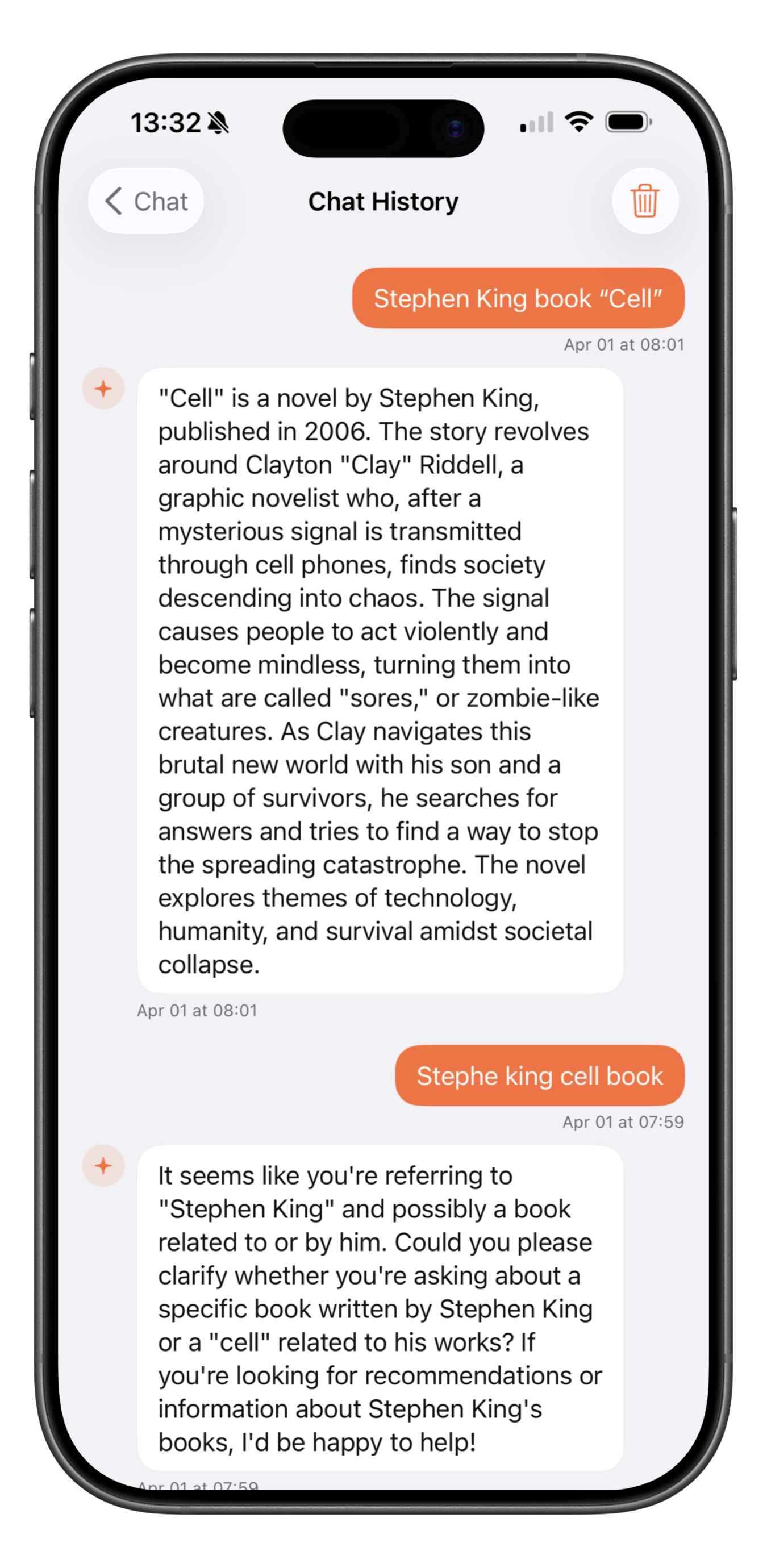
History of AI Requests

View the history of previous AI requests

History of AI Requests screen

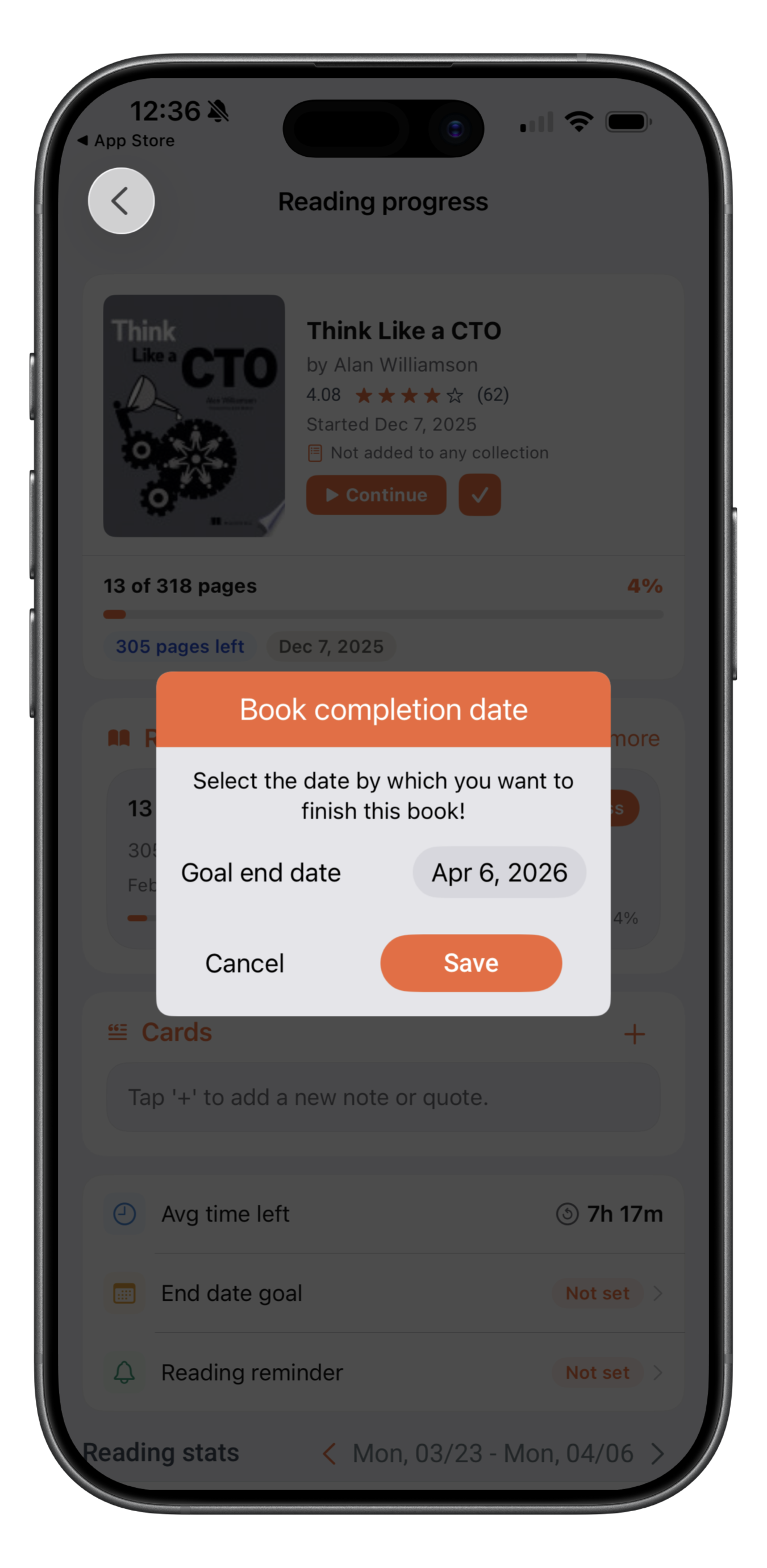
Book Completion Date

Set book completion date

Book Completion Date screen

Cover View

You can view books as cover, list or in compact mode.

Cover View screen

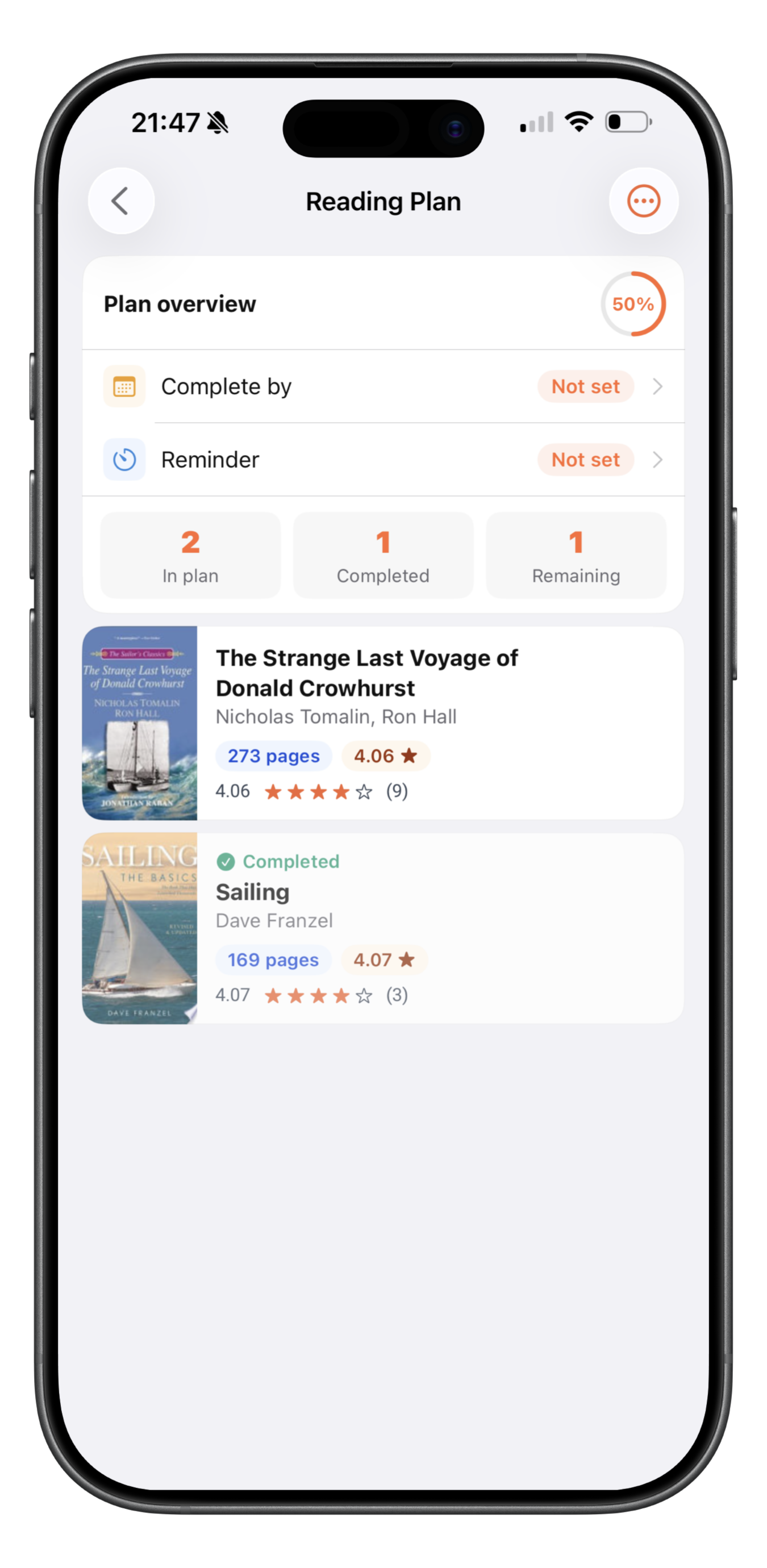
Reading plan

Create your reading plan. Setup completion date, reminders.

Reading plan screen

Download Page Surfer today and transform your reading experience!

Download PageSurfer for Free Today →